Every server, VM and container, live in one list.
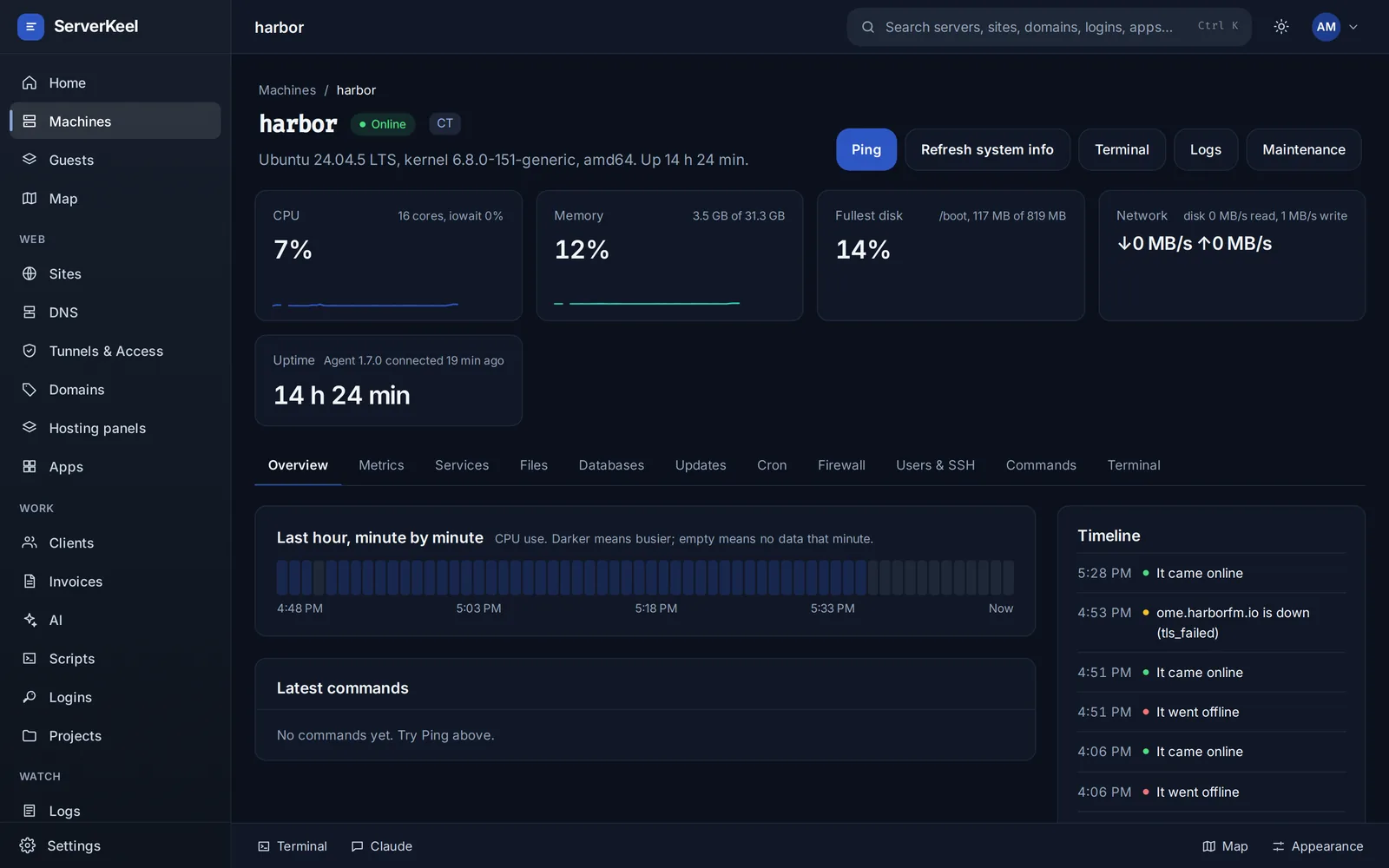
Each machine runs a small agent that reports its health as it happens. Open any of them to see the last hour minute by minute, what changed, and what's running on it.
What you can do
Add a server with one command
Machines › Add server gives you a one-line install with a single-use token. The server shows up online within seconds.
Minute-by-minute history
CPU, memory, disk and network for the last hour at a glance, with longer history and load averages behind it.
A timeline of what happened
Agent disconnects, reboots, alerts, deploys, config changes and shell sessions on one line per event.
Containers you can act on
See every Docker container with its status and resource use. Open its logs or restart it from the same row.
Notes and extra addresses
Keep notes on a machine and list its extra IPs, so DNS records and the map can recognise it.
Server groups
Tag machines by client or role. Access, alerts and reports can follow a group, including servers added later.
Works with
See it on your own servers.
Early-access teams get the full console and a direct line to the people building it.